
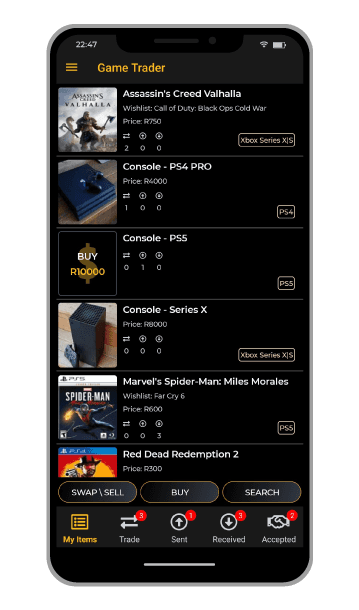
How it works!

List the item you have

We will match you with potential trades and notify you

List the item you want
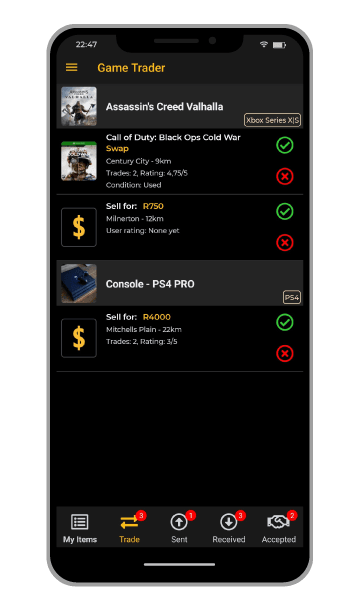
View Possible Trades
Once we have matched your item, you will be notified and can find your matches under the trades tab. By clicking on the you will instantly send an offer to the other user.
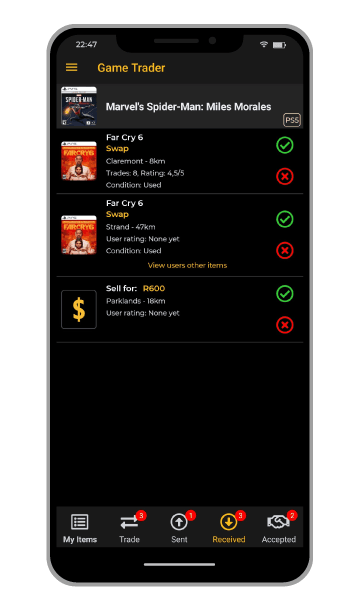
Offers Received
Here you can view all offers made to you. Simply click the to accept or to decline, but be quick to avoid the disappointment of someone else taking the offer.
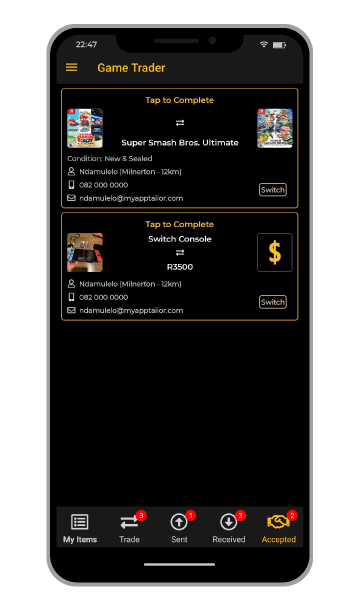
Accepted Offers
Once an offer has been accepted you will be able to view the users contact information, simply contact them and make arrangements to collect your item.